Iwona Czok — UX/UI • Branding • Growth Systems
UX/UI • Branding • Growth Systems

Iwona Czok

UX/UI • Brand & Web Designer • Digital Marketing

I build structured digital systems with a focus on UX clarity, automation, and measurable results.

About

About me

Iwona Czok portrait

I am Iwona, a second year Digital Marketing student with AI elements and a UX UI designer. I build clean websites and brand systems that feel premium and help people take action.

My work mixes clean design with real growth thinking. From day one, I set up tracking so we can measure what works and improve fast.

Branding & Logo
UX Structure & Copy
Web Design & Build
Automations
Tracking & Analytics
Case Study — Lead Automation

CASE STUDY

CASE 01

From messy inbox to clear lead system

Leads landed in the inbox and mixed with other emails. The team had to copy the details manually into the system.

Before

Forms went to email

  • Submissions landed in inbox
  • Mixed with personal and work emails
  • No single source of truth
  • Leads easy to miss
Stack

Form to Zapier to Google Sheets

Each form submission triggers automation. A new row is created automatically inside a structured spreadsheet.

After

One structured lead dashboard

  • All leads in one place
  • Clear follow up process
  • Trackable status and conversion
  • Faster response time
Form Zapier Sheets
Case Study — Diggy AI First Contact

CASE STUDY

CASE 02

Visitors receive an instant reply in their own language

Replies by email or WhatsApp were too slow. Diggy is a simple chat window that answers instantly in the user’s language, and hands off complex cases to a human.

Before

People wait for replies

  • Messages via email/WhatsApp come in at random times
  • No instant reply, so people left the website
  • The same questions were asked again and again
  • Language barrier slows down response
Stack

Diggy replies in the website chat

Diggy answers right away in a natural way. It gives clear next steps and reduces repeated questions. If the question is more complex, a real person takes over.

After

Faster replies, more conversions

  • Instant response 24/7 (no waiting for “opening hours”)
  • More trust: users feel noticed right away
  • Less answering the same questions
  • Clear handoff: human gets context, not chaos
Website chat Diggy AI Human handoff
Case Study — GA4 Measurement System

CASE STUDY

CASE 03

Tracking conversions and user actions

We use GA4 to track conversions and user actions. We can see where users drop off in the funnel.

Before

No visibility into performance

  • Visitors come, but we don’t know their intent
  • No tracking of key actions
  • We don’t know where users leave
  • We guess instead of using data
Stack

GTM and GA4 Tracking Setup

GTM sends data to GA4 so we can track conversions and see how users move through the website.

After

Measurable growth decisions

  • We track forms, calls, emails, and WhatsApp clicks
  • We can see where people leave before converting
  • We see who visits (language, location, device, source)
  • We improve the website based on real data
Page / CTA GTM Events GA4 Conversions Funnels / Insights
Case Study — WhatsApp + ManyChat Routing

CASE STUDY

CASE 04

WhatsApp automation with ManyChat

Users click an ad and land in WhatsApp. They receive instant replies, helpful guidance, and human support if needed.

Before

WhatsApp chaos after ads

  • Many incoming messages, no structure
  • Same questions repeated (price, job, availability, documents)
  • Slow response = lost lead (especially after paid ads)
  • No routing: recruitment and sales mixed together
Stack

Ad click → WhatsApp auto chat

We separate users by goal (recruitment or sales), ask a few short questions, and send the right information automatically.

After

Faster handling, cleaner leads

  • Instant reply after the ad click (higher trust)
  • Lead qualification: role / location / availability / budget
  • Automatic PDFs + links triggered by keywords
  • Escalation: human gets the summary, not a mess
Click-to-WhatsApp Ad ManyChat Qualify + Keywords PDF / Link / Handoff
Process — Beauty Salon

PROCESS

BEAUTY SALON

Website cleanup for a beauty salon

The goal was simple: visitors should instantly understand what to choose, where to park, and how far the salon is. Less WhatsApp back-and-forth, more bookings.

Problem

  • Too much information → people didn’t know what to pick
  • New clients didn’t know where to park (next to the salon it’s paid)
  • People had to open Google Maps to check the distance

What we did

  • We simplified the service structure (clear “next step”)
  • We added free parking info + a short walking guide
  • In the hero, we show distance right away (example: “you are ~20 km away”)

Result

  • Less questions = less time wasted for the owner
  • Clients decide faster
  • More trust from the first screen
  • Shorter path to booking
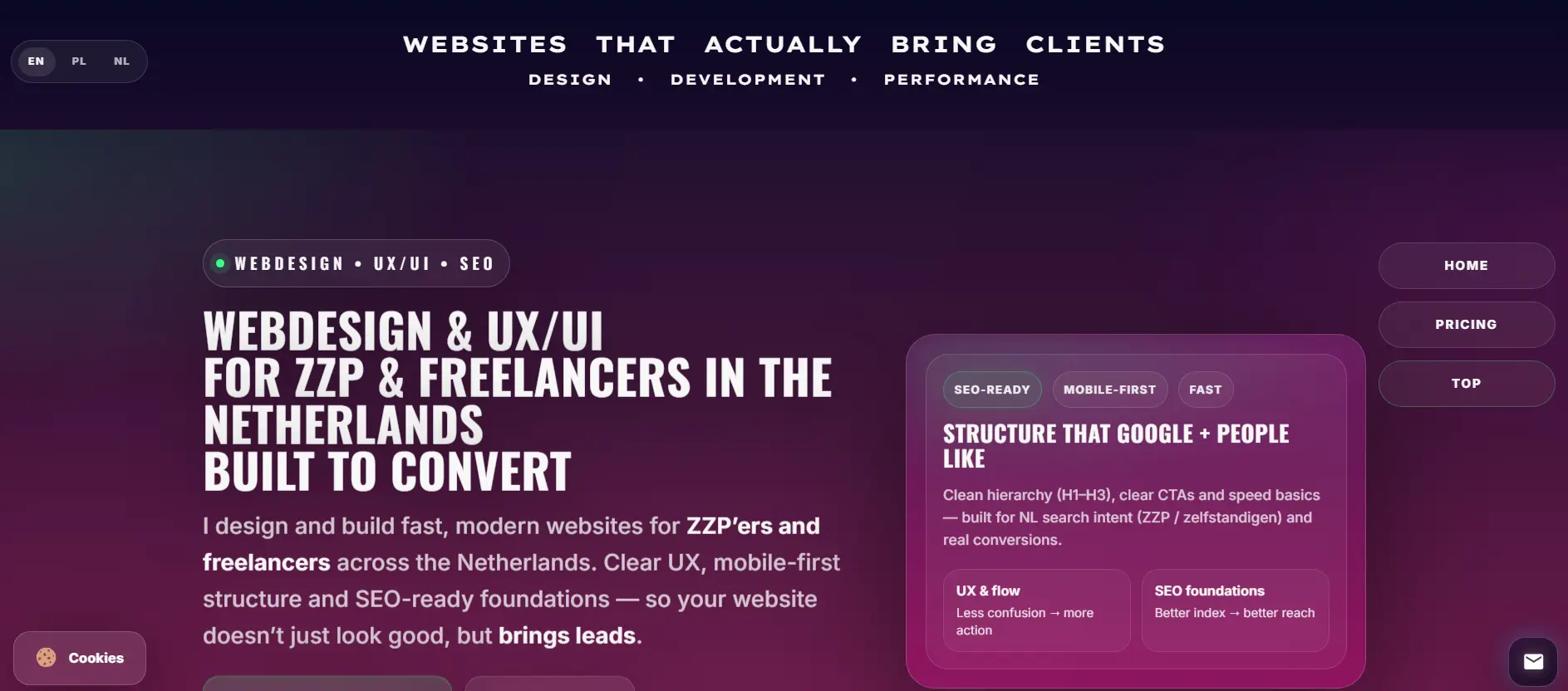
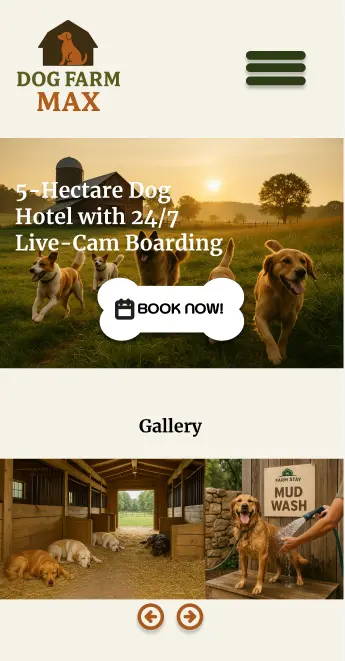
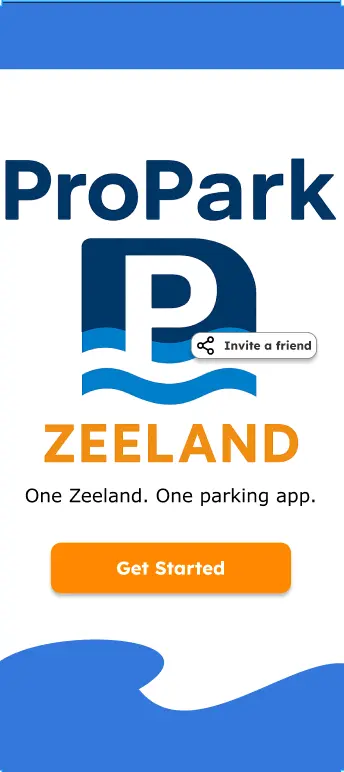
Website preview

Logo animation

Perfect Line

Footer — DiG
Language Switcher